Built for flexible editing
What You Can Separate into Editable Layers
A useful split depends on what you plan to change next. Instead of forcing every image into the same template, img2layers uses your selected layer count and optional guidance to create an editable structure that matches the job.
Subjects and backgrounds
Separate a person, animal, or main object from its environment so you can replace the backdrop, adjust the subject independently, or create alternate crops. A two-layer result is often the fastest and most economical starting point for this common edit.
Products, props, and shadows
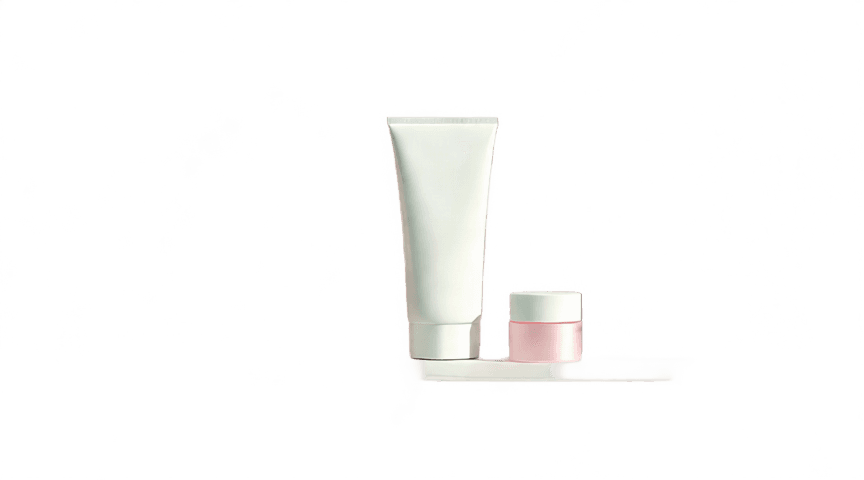
Split image elements such as a product, supporting props, contact shadows, and studio background into independent files. Commerce teams can reposition the hero object, rebuild lighting, and prepare consistent marketplace graphics without repeating the original photo shoot.
Text and campaign graphics
Separate image into layers for headlines, graphic accents, foreground art, and background scenes when adapting a poster or social campaign. Independent transparent PNGs make it easier to create new aspect ratios while preserving the recognizable parts of the original composition.
Portrait details and clothing
Request separate layers for a person, clothing, accessories, hair, or backdrop when a portrait needs more control. Clear guidance is especially useful when neighboring elements share similar colors or overlap, because it tells the model which visual boundaries matter to your edit.
Logos, labels, and small details
Keep brand marks, stickers, interface elements, or decorative accents separate when they need their own color, position, or visibility changes. Fine details work best when they have enough contrast and pixel area in the source; very small or blurred elements may remain grouped with a neighboring layer.
Foreground effects and scene depth
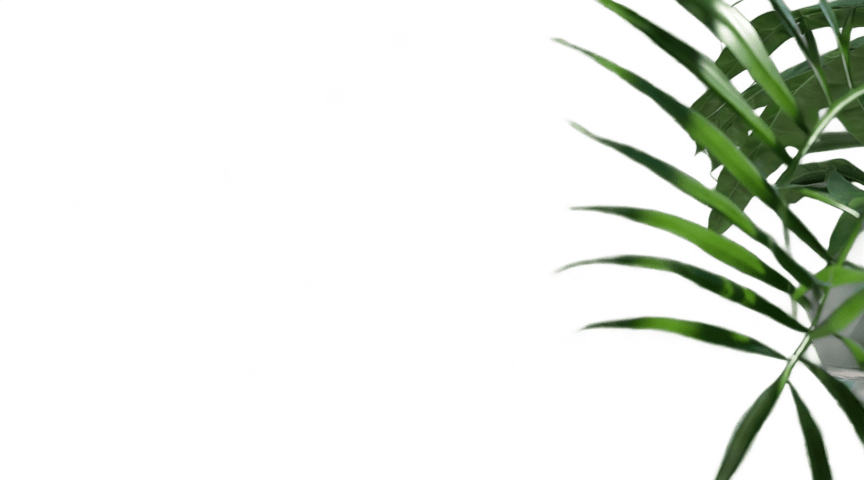
Pull leaves, particles, frames, reflections, or foreground shapes away from the main scene to restore a sense of depth during a redesign. Once separated, these elements can move above or below the subject, receive their own opacity treatment, or disappear entirely without flattening the rest of the image.
Image separation may also reconstruct areas hidden behind foreground objects, so results vary with scene complexity. Start with fewer layers, inspect the output, and increase the count only when more elements need independent control. For clearer results, describe elements by their role and position—such as front product, table shadow, and white background—instead of requesting an arbitrary high layer count.